
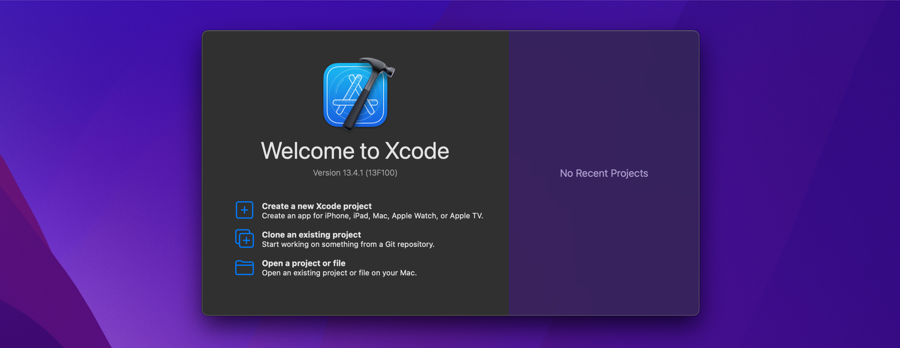
Ok, new Macbook, everything very nice, everything very cool, we start installing everything we need after the browser and communication apps (Hi, WhatsApp Desktop, I see you’re still running on Rosetta 2, all good?).
For those who develop and migrated to an Apple computer, nothing more normal than installing Xcode even if only to experiment, in my case Visual Studio obliged me to install it politely (giving error message, etc).
We access the Apple Store link calmly, request the installation, wait for the download of the 12GB of necessary files, installation begins… and it stays like this.
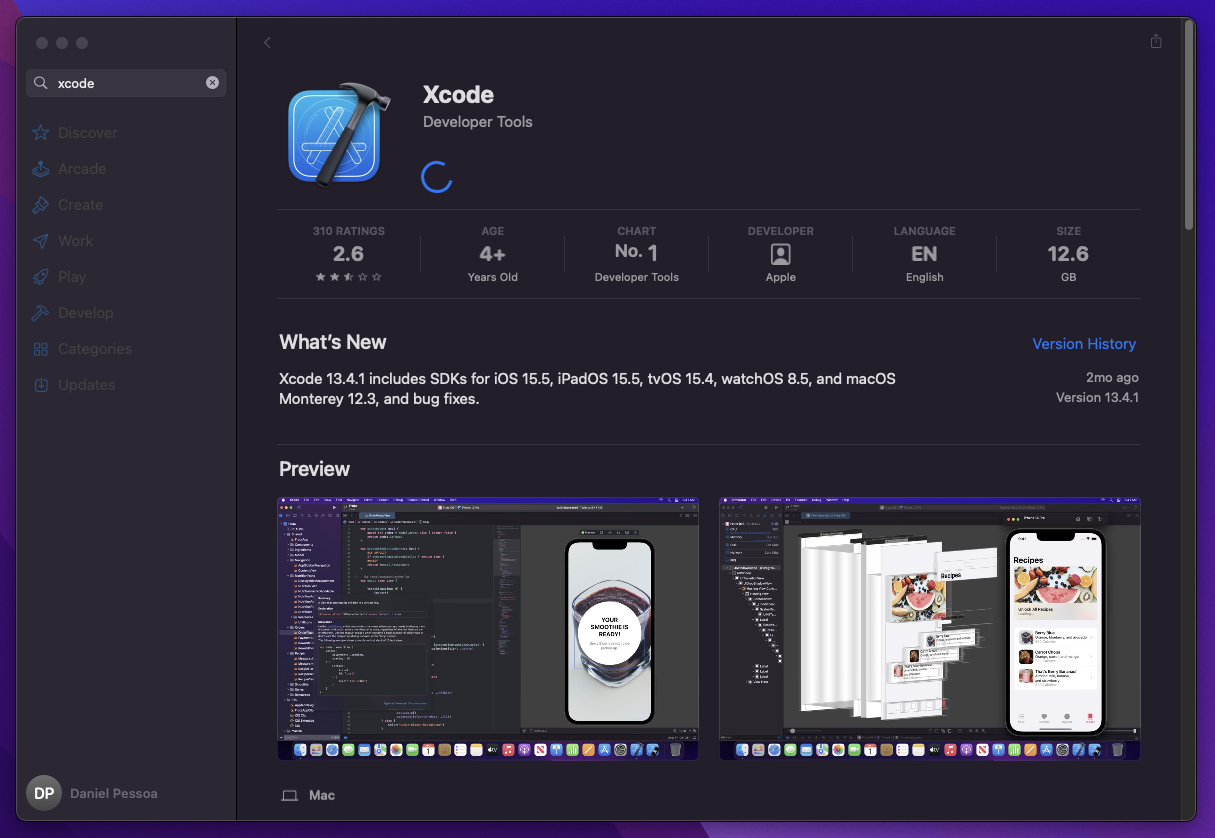
Ok, the Apple Store says it’s installing, the Launchpad says it’s installing, the Activity Monitor says SOMETHING is being done in the efficiency cores (the performance cores sleep in the total serenity of knowing it’s not necessary), and hey, Apple? Just works?
Look closely, I have a fast internet, fast enough that recently I downloaded a Linux ISO on a whim (BECAUSE I CAN), 12GB is a disgracefully large size, but not “I have no idea if it’s downloading” large. Something here is wrong that isn’t right.
Initially I even thought something had actually stalled, Windows entering a race condition during updates is not completely abnormal, and I did what any Windows system user would do: Restart the Mac. nothing, no change.
I could let mac take care of its life and move on with mine, eventually that installation in theory would finish, but I had other plans and these plans involved something that was complaining directly to me about the lack of installation of this program.
As everything on Mac, problems don’t exist and if you’re having some, good luck looking for the other 3 people in the last 3 years who went through the same situation. Well, accept our fate and let’s go to Google trying to extract some useful information.
Lots of research and investigation work facilitated by years of programming work (we learn to search everything on Stackoverflow, sorry) I discover that, and I’m not joking here, at no point was there any bug and everything was working as it should, where “should” despite being questionable does not constitute a defect per se, and everything was nothing more than a very poorly developed interface.
But don’t blindly believe what I’m saying, the following are the steps for you to follow the installation considering the system in English, select the corresponding option for your language (sorry, I’m new here, I don’t know the official translations):
- Keep the Apple Store window open during Xcode installation
- Open the “Console” within “System tools” (Launchpad -> System Tools -> Console)
- In the search bar search for “App store”
- Click the “Start” button
- Lines of log corresponding to the App store will start to be displayed
At this point you can select a line to see the full log. In the image below it’s possible to see that in my case it was in “… Completed: 824 of 1000” on the selected line, the other lines containing incremental or decremental values according to the selected line.
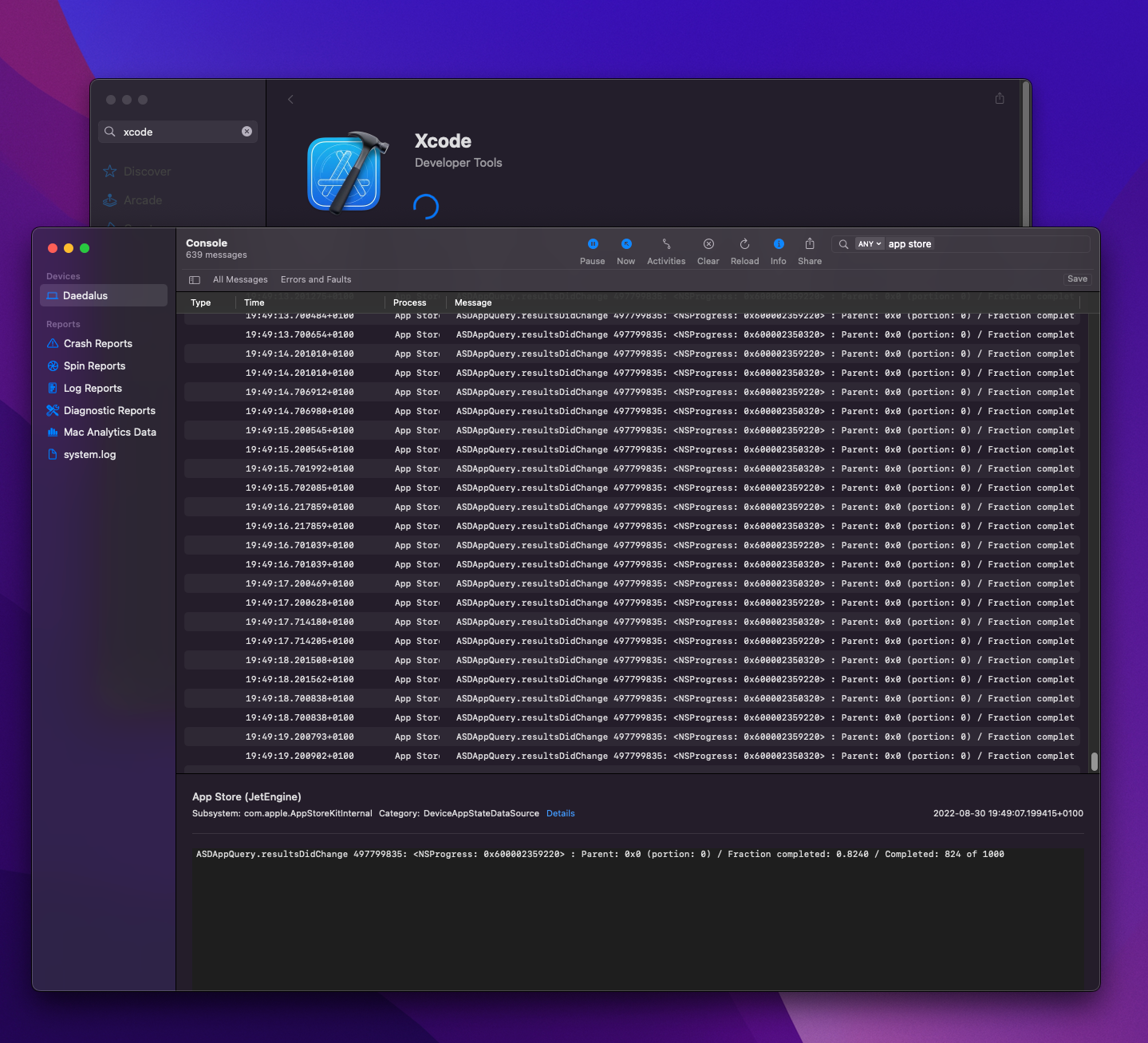
As can be seen in the image above, Xcode was being downloaded/installed correctly all the time and everything was not due to two particular details that we can indeed blame on Apple:
- The interface makes no effort to inform that it is indeed responsive and not stuck in an animation.
- For some reason downloads are abnormally slow on the Apple Store, on this I found more than one source of complaint and it seems to be something “normal” (read: Apple does not intend to do anything about it)
With a clean conscience I waited politely, without swearing at any Apple employee, until the end of the download/installation and everything proceeded as expected and without new problems.
With help: Latest version of Xcode stuck on installation - Stack Overflow (content in English)
Comments